Built for TaskBarHero · BepInEx overlay

Understand every hit you deal

Live DPS, damage taken, per-wave stage comparison and a personalized farming planner — all as an in-game overlay. Open-source, read-only, and it never changes a single game value.
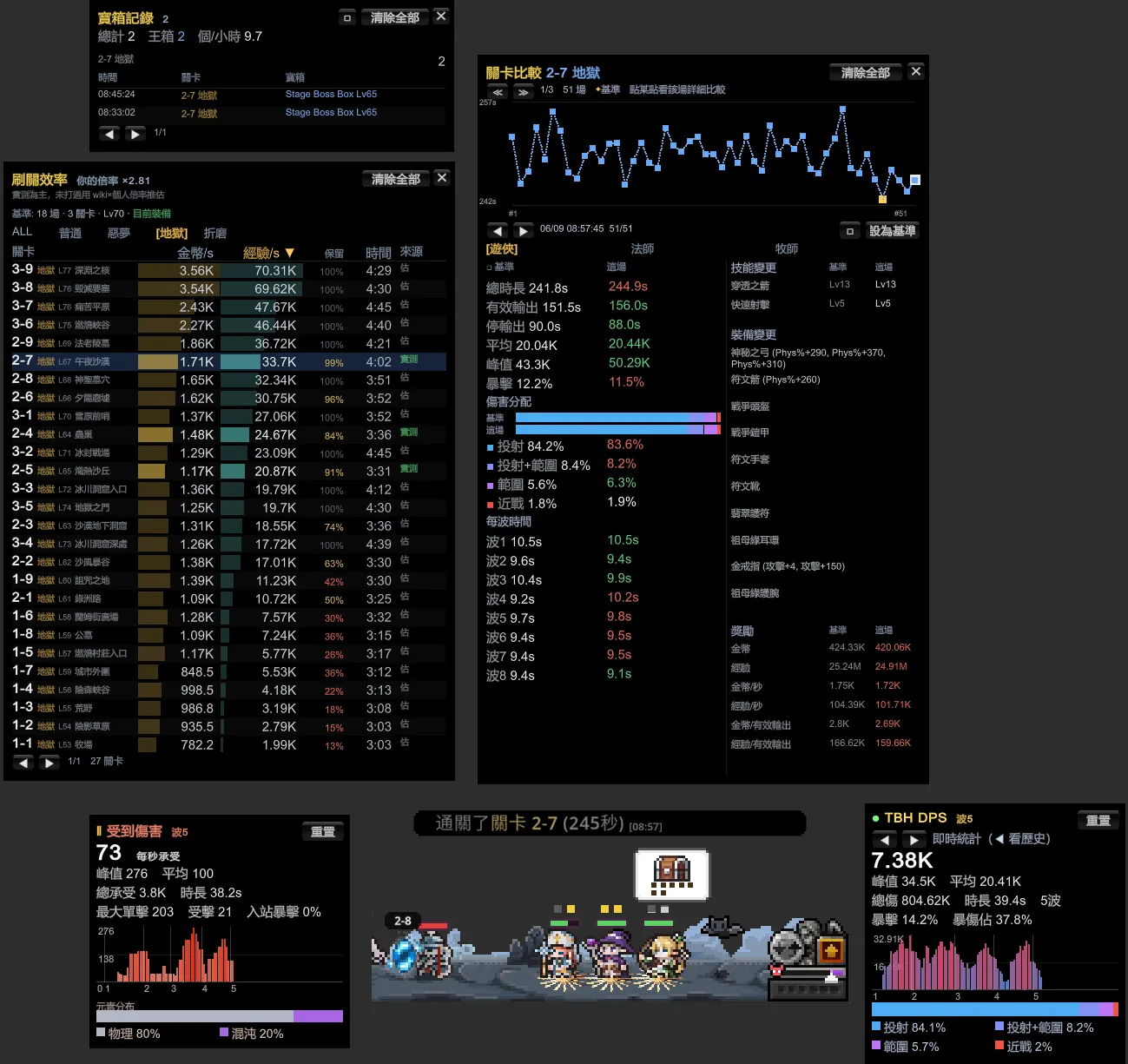
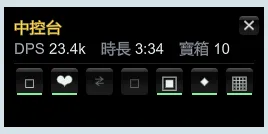
TBH DPS Meter in-game overlay
6
Damage types
5
Analysis panels
5
Languages
100%
Open-source · read-only
Features

Not just a number — a full combat dashboard

Five panels, each with one job. One keypress overlays them on the game, and clicks pass through so they never block play.

F9 · Live

DPS panel

Live DPS over a 5-second sliding window, plus peak and average. See your damage structure at a glance and know which stat to gear next.

  • Live / peak / average DPS
  • Crit rate and crit-damage share
  • Melee / projectile / area / summon / DoT / trap breakdown
  • Auto-fit + UI scaling — panels never run off-screen (v0.6.0)
DPS panel
F10 · Defense

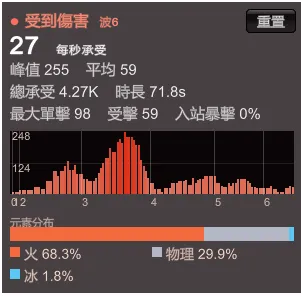
Damage-taken panel

It is not just how hard you hit — it is how hard you get hit. Find where the killing blow comes from and adjust your resistances and positioning.

  • DTPS, biggest single hit, hit count
  • Monsters' crit rate against you
  • Physical / fire / ice / lightning / chaos distribution
Damage-taken panel
F11 · Compare

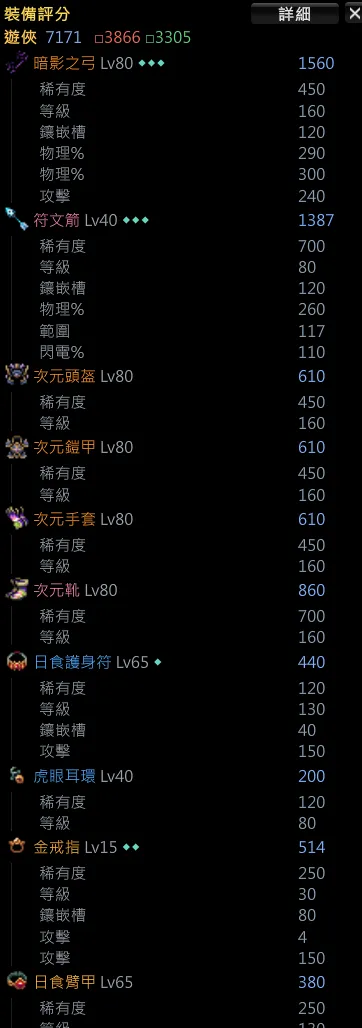
Per-wave stage comparison

Put this run side by side with your best clear — down to the gear and skill differences. A pace chart shows exactly which wave dragged you down.

  • Per-wave time, active vs idle running time
  • Full character gear & skill loadout diff
  • Clear-time trend chart — click any point to inspect
Per-wave stage comparison
F6 · Plan

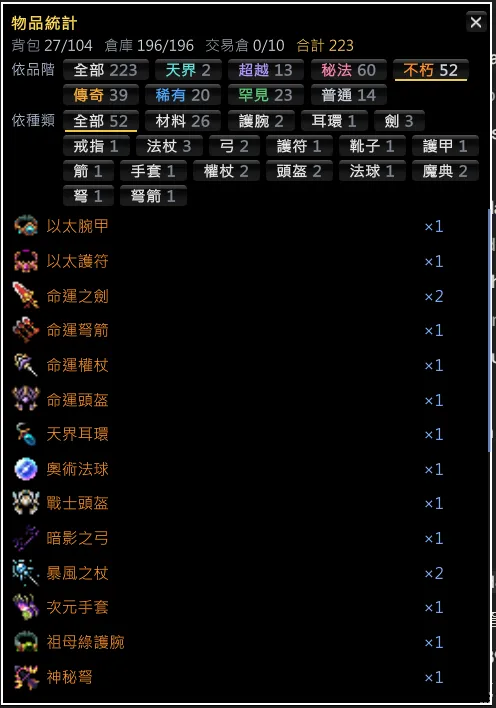
Personalized farming planner

Not a static wiki table — calibrated to your own real runs. Gold/sec and exp/sec ranked side by side, telling you exactly which stage to farm.

  • Measured values for cleared stages, personal multiplier for the rest
  • EXP-retention column reflects the level penalty
  • Auto-detects gear changes and prompts a re-clear
Personalized farming planner
F5 · Log

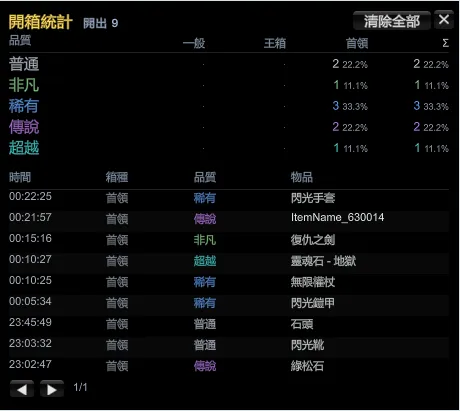
Box log

Track every box you open — total, boss boxes, and boxes per hour, each timestamped by stage. Know your real drop rate instead of guessing.

  • Total and boss-box counts
  • Boxes per hour
  • Timestamped log per stage
Box log
Install

Three steps, three minutes

No compiling, no config. Unzip, drop it into the folder, launch from Steam.

1

Download the zip

Grab the latest TBH-DpsMeter.zip from Releases — no compiling needed.

2

Unzip to the game folder

Extract everything next to TaskBarHero.exe; choose overwrite if asked.

3

Launch from Steam

Always start the game through Steam — the overlay loads automatically.

See the full install guide →

FAQ

You're probably wondering

Will I get banned? +

The tool injects via BepInEx, only reads damage data, modifies no game values, and the game is single-player. That said, any third-party mod or injection tool may violate the game's or platform's (e.g. Steam) Terms of Service — use it at your own risk.

How do I update? +

Just overwrite the single TBH.DpsMeter.dll in the plugins folder — BepInEx itself stays untouched. The panel also shows an in-app update notice with one-click download.

Is the black screen on first launch normal? +

Yes. The first launch runs a one-time 1–3 minute setup, after which everything is normal.

Which game versions are supported? +

Tested on v1.00.09 (Unity 6 / IL2CPP). After major game updates, fixes follow as quickly as possible.

Ready to see your damage clearly?

Free, open-source, three-minute install.